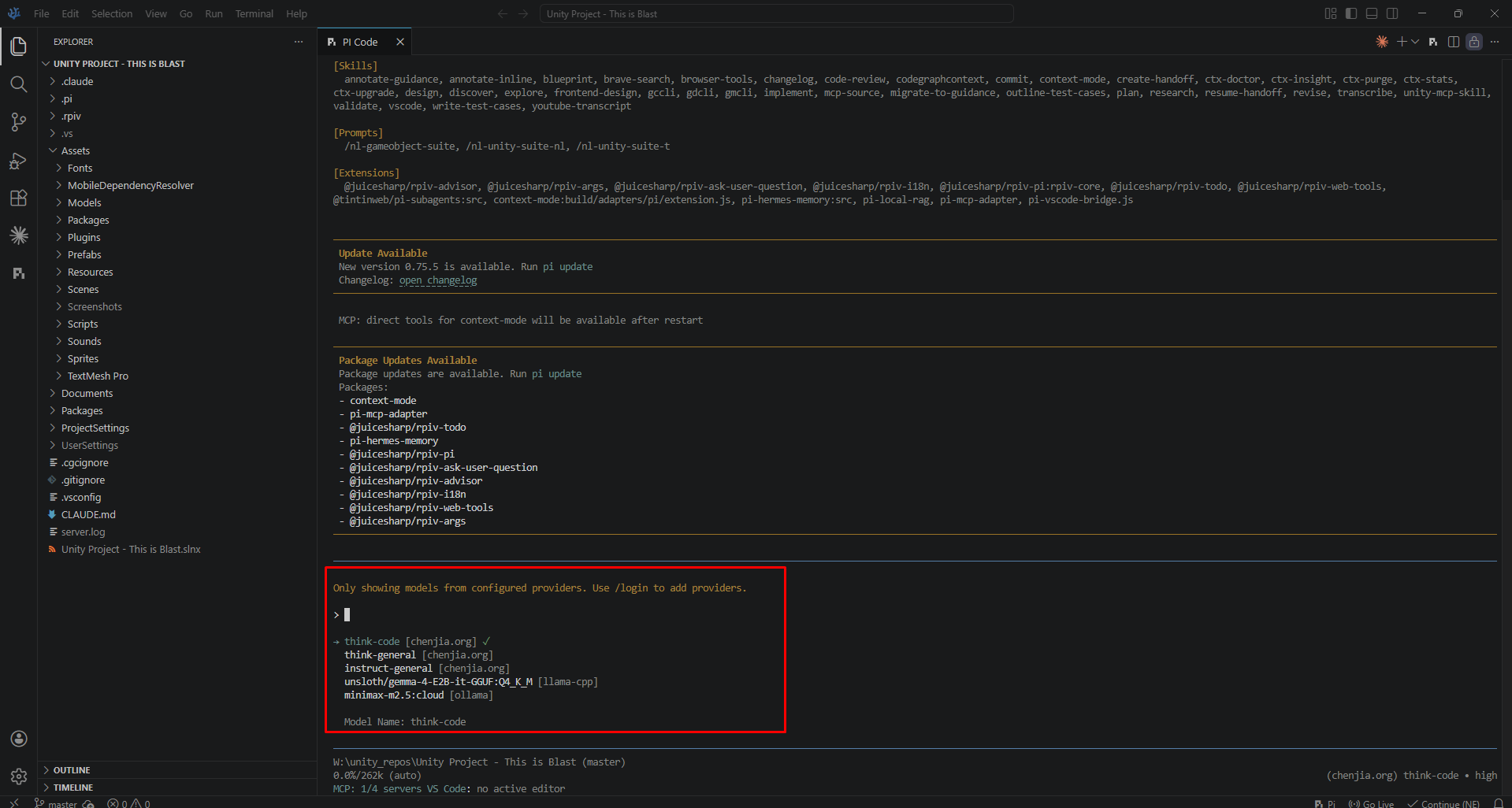
🤖 pi.dev | Claude alternative
1. Follow this page to install:
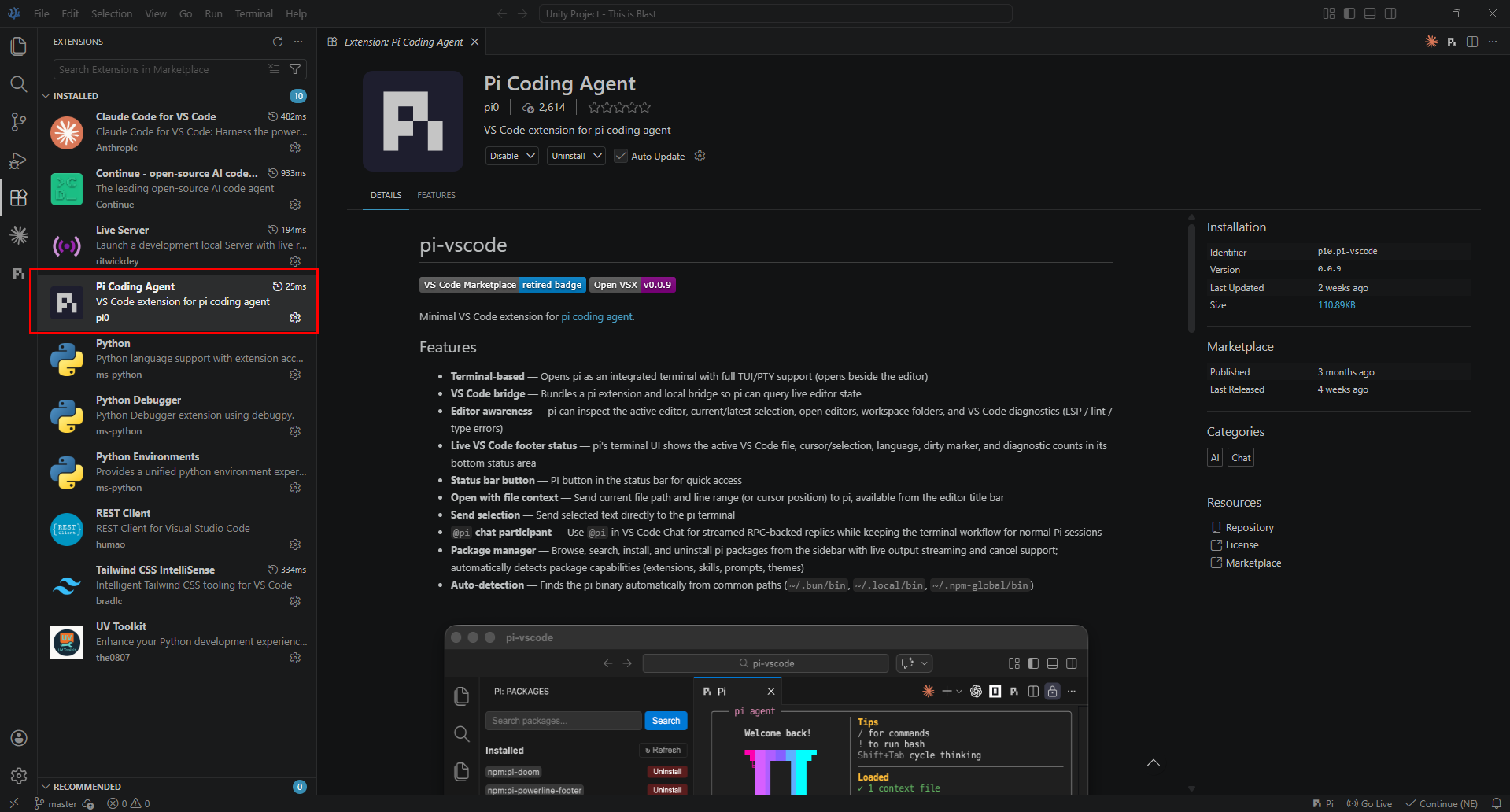
2. Install extension: Pi Coding Agent
3. Connect to hosted llm service:
- Edit file: "C:\Users\helloworld\.pi\agent\models.json"
{
  "providers": {
	"llama-cpp": {
	  "baseUrl": "http://localhost:8888/v1",
	  "api": "openai-completions",
	  "apiKey": "none",
	  "compat": {
		"supportsDeveloperRole": false
	  },
	  "models": [
		{
		  "id": "unsloth/gemma-4-E2B-it-GGUF:Q4_K_M",
		  "input": [
			"text",
			"image"
		  ],
		  "contextWindow": 131072,
          "maxTokens": 32000,
		  "reasoning": true
		}
	  ]
    }
  }
}
⚠️ Important: Do not using Ollama because tool calling is buggy and not stable for coding agent. Use llama.cpp / vllm / sglang for best compatibility and performance.
4. Select model and go
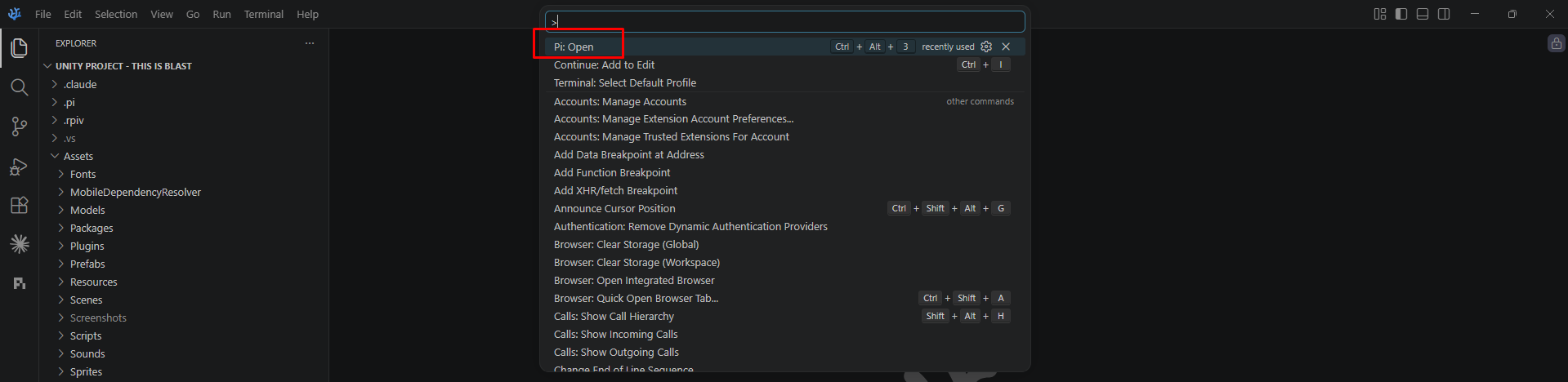
- Open vscode or codium, then press Ctrl + Shift + T
- Type: Pi Open
/model # select model