🍥 Ramen
More easy UI for ComfyUI. Auto release VRAM / RAM, ensure stability and UX when generate Image / Video ...
⚠️ Important Note
🌵 I only have RTX 20, 30 series (SM75 & SM86). So newer series untested.
🌵 If you facing any issue, please send the error log to:
| 🌵 Compatible GPU | |
| ✅ Newer | Runnable, but slower. |
| ✅ SM120 | RTX 50 Series. |
| ✅ SM89 | RTX 40 Series. |
| ✅ SM86 | RTX 30 Series. |
| ⛔ Unsupported | RTX 20 Series and older, AMD or Intel GPU. |
⚠️ Unsupport xformers.
Because cu132 have no pre-build for this package & have no reason to use the slowest method.
✅ You can use sage-attention or triton instead.
⚠️ No longer support flash-attn (because the compile time is super slow).
✅ You can do it your self with this command:MAX_JOBS=10 NVCC_THREADS=1 uv pip install flash-attn --no-build-isolation
🍥 Why use this Docker image ?
| ✅ Nodes Compatibility | Python 3.13.13, widely compatible with extensions. |
| ✅ Blazing Fast Speed | Uses uv and CUDA 13.2 for ultra-fast compilation and execution. |
| ✅ Precompiled Nodes | Comes with precompiled ecosystem, saving your setup and compile time. |
| ✅ Strict Privacy | Completely stripped of telemetry. Your data and workflows remain private. |
| ✅ Cloud Optimized | Ready for public deployment. Use caddy or nginx for authentication. |
🍥 Quick Start (Docker Compose)
Install Docker, Nvidia Driver (refer Studio version), CUDA Toolkit (version 13.2).
Next, copy docker-compose.yml content below and put to empty folder.
Then, open Terminal/CMD/Windows PowerShell and navigate to directory contain docker-compose.yml file.
Finally, run this command docker compose up -d to start the container.
Go to http://localhost:7860 and enjoy.
Requirements
⬇️ Docker
⬇️ nvidia-driver
⬇️ cuda-toolkit (CUDA 13.2)
Models
⚠️ Important Note
🌵 The path must be correct 🌵
- LTX2.3 from Kijai:
models/diffusion_models/ltx-2.3-22b-distilled_transformer_only_fp8_scaled.safetensors: download
models/text_encoders/ltx-2.3_text_projection_bf16.safetensors: download
model/vae/LTX23_audio_vae_bf16.safetensors: download
model/vae/LTX23_video_vae_bf16.safetensors: download
model/text_encoders/gemma_3_12B_it_fp4_mixed.safetensors: download
docker-compose.yml
services:
  ramen:
    image: sandichhuu/ramen:sm86-rev1
    container_name: ramen
    ports:
      - 7860:7860
#    environment:
#      - GRADIO_ROOT_PATH=https://ramen.example.com
    volumes:
      - ./models:/comfy/models
      - comfy:/comfy
      - ramen:/ramen
    ipc: host
    restart: unless-stopped
    deploy:
      resources:
        reservations:
          devices:
            - driver: nvidia
              count: 1
              capabilities:
                - gpu
volumes:
  comfy: null
  ramen: null
🍥 Setup Structure
comfyuv/
├── docker-compose.yml
└── model/
🍥 Screenshots
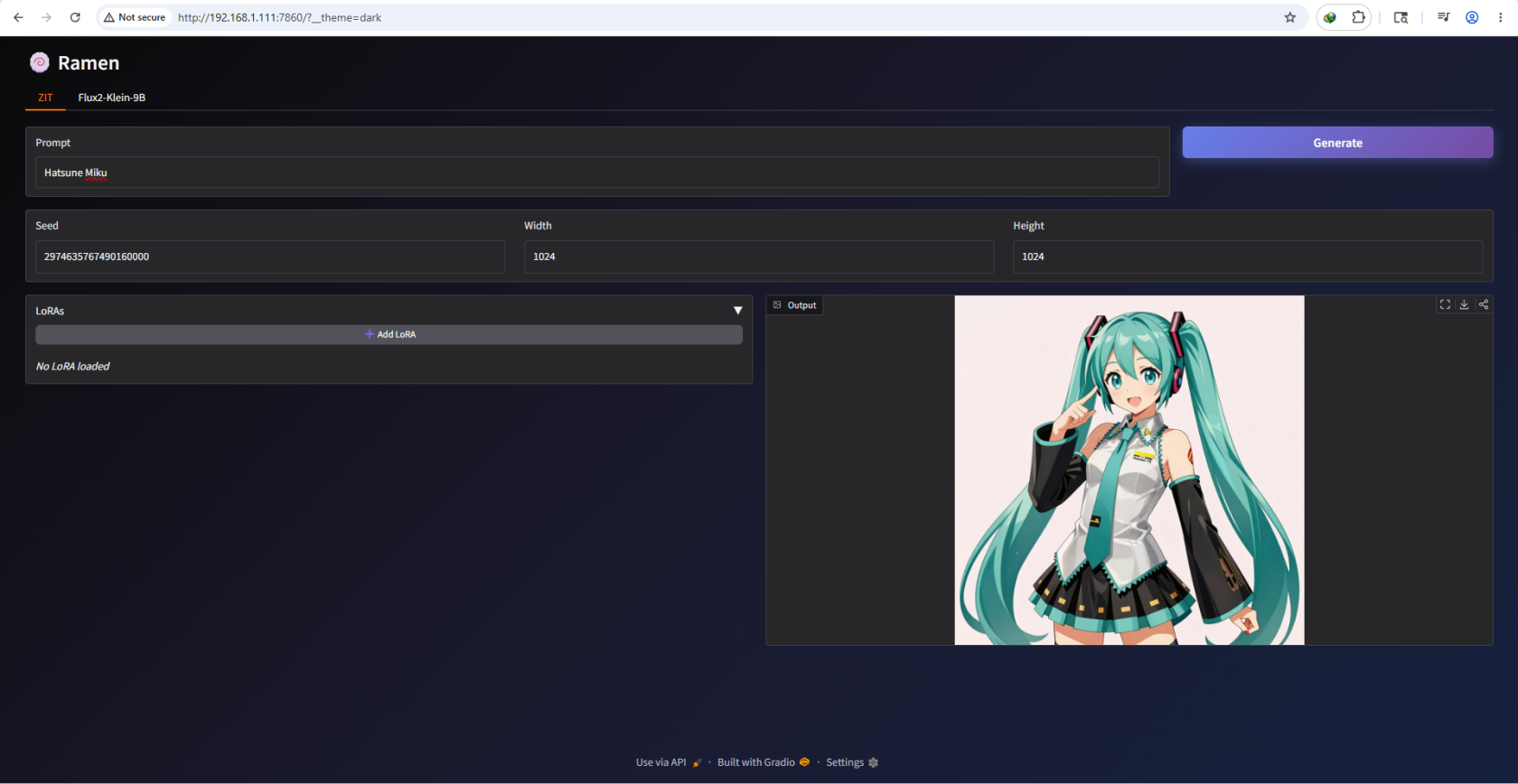
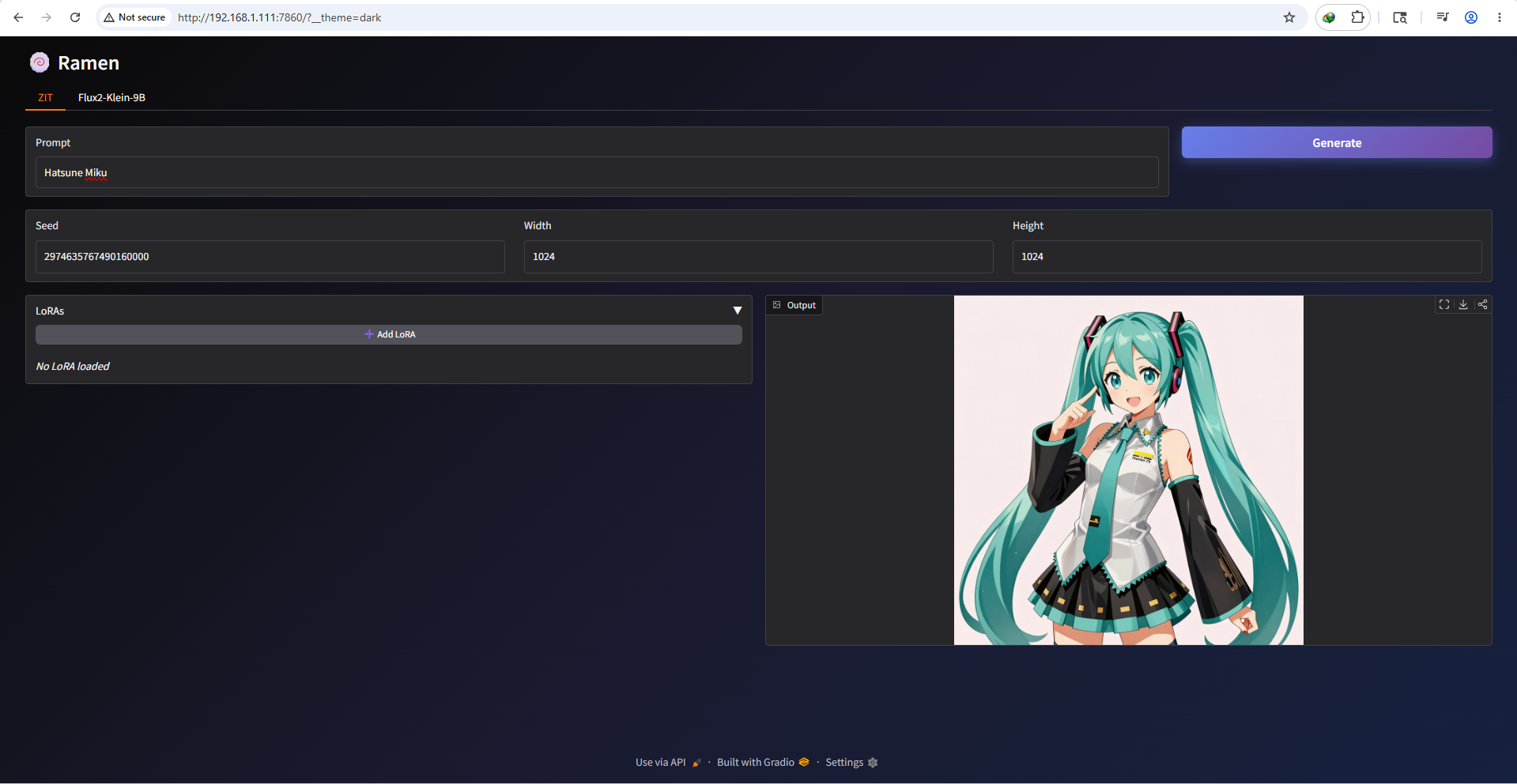
- Z-Image-Turbo (generate image)
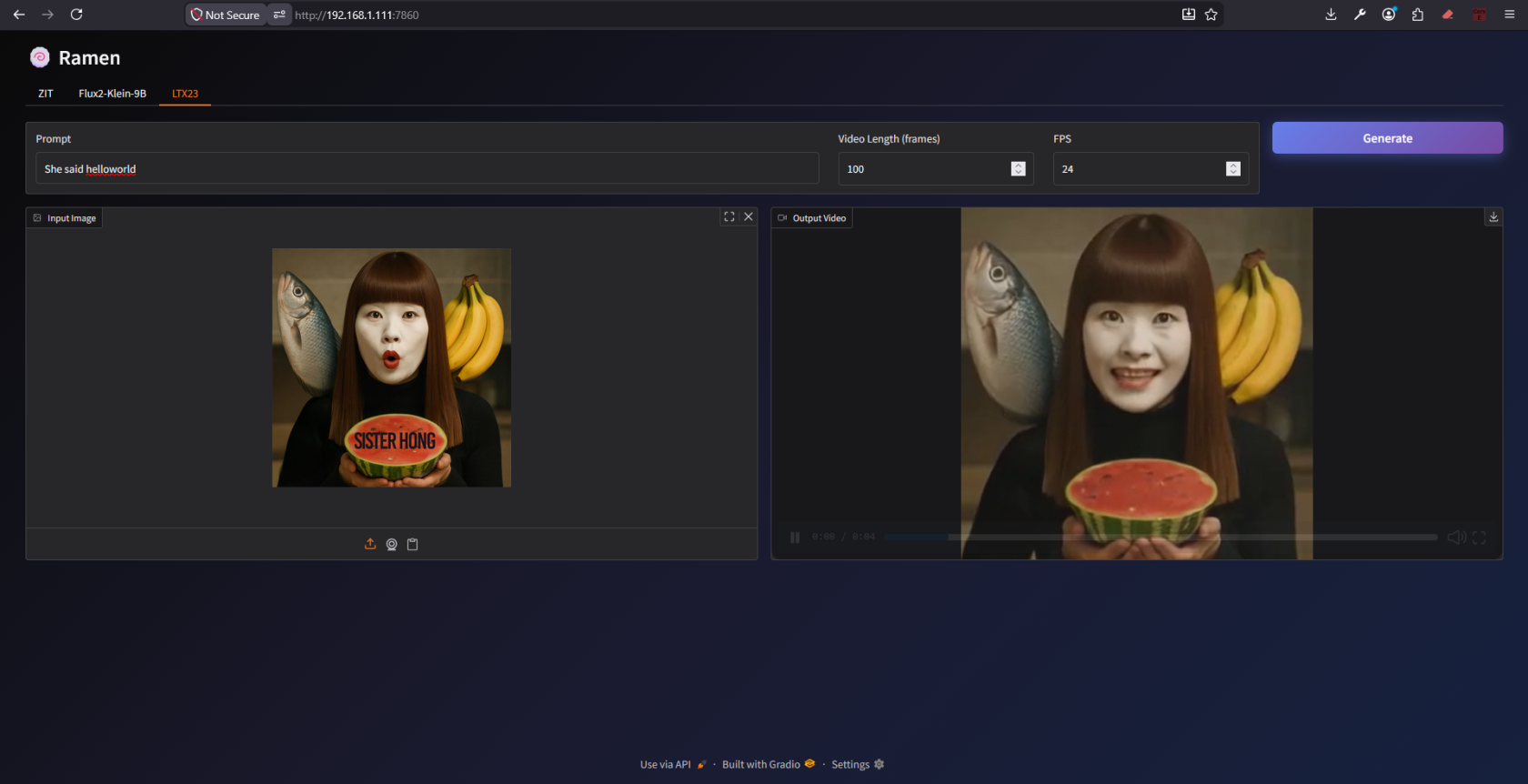
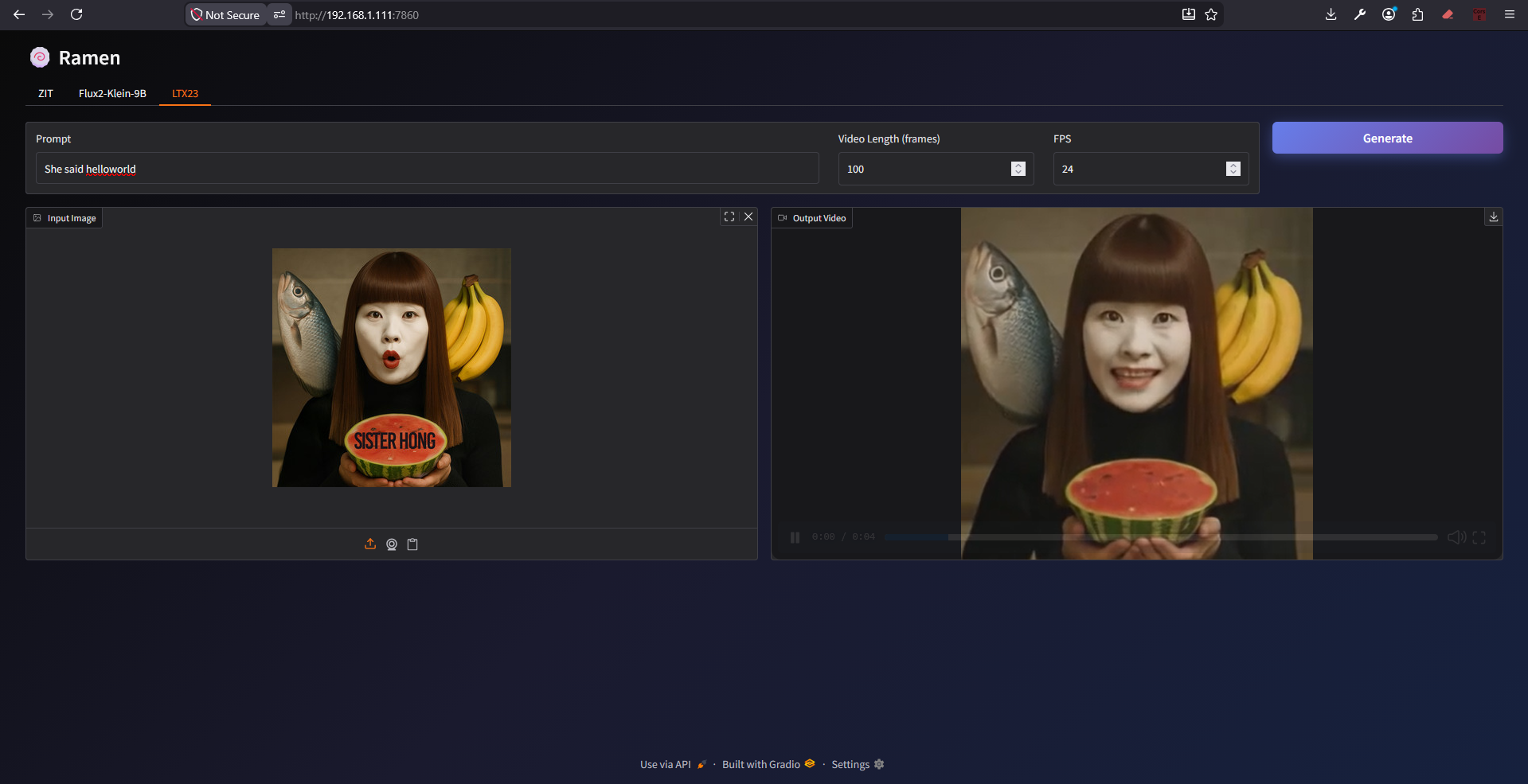
- LTX2.3 (video generation)
🍥 Why have no all-in-one image ?
All GPU support int4, int8, fp16, fp32.
But each GPU series has different physics structure due to different kernels and different attention optimization.
For example RTX4090 support fp8 native, RTX5090 support fp8 & nvfp4 native.
RTX40xx fastest with FlashAttention3, RTX50xx with FlashAttention4.
If I compile everything on one image, the file size come super heavy.
And the compile time is slow as hell.