⚛️ GAN-MASTER
An optimized AI tool support image restoration, image denoise, upscale, ... using GFP-GAN, GPEN, ...
⚠️ Important Note
🌵 I only have RTX 30 series (SM86). So newer series untested.
🌵 If you facing any issue, please send the error log to:
| 🌵 Compatible GPU | |
| ✅ Newer | Runnable, but slower. |
| ✅ SM86 | RTX 30 Series. |
| ⛔ Unsupported | RTX 20 Series and older, AMD or Intel GPU. |
🌸 Quick Start (Docker Compose)
Install Docker, Newest Nvidia Driver & CUDA toolkit
Next, copy docker-compose.yml content below and put to empty folder.
Then, open Terminal/CMD/Windows PowerShell and navigate to directory contain docker-compose.yml file.
Finally, run this command docker compose up -d to start the container.
Go to http://localhost:7860 and enjoy.
Requirements
⬇️ Docker
⬇️ nvidia-driver
⬇️ cuda-toolkitModels (download then copy into models folder
⬇️ RetinaFace-R50
⬇️ ParseNet-latest
⬇️ realesrnet_x4
⬇️ GPEN-BFR-512
⬇️ Colorization
⬇️ RealESRGAN_x2plus
⬇️ GFPGANv1.4
docker-compose.yml
services:
  gan-master:
    image: sandichhuu/gan-master:sm86cu130
    container_name: gan-master
    ipc: host
    port:
      - 7860:7860
    deploy:
      resources:
        reservations:
          devices:
            - driver: nvidia
              count: 1
              capabilities: [gpu]
    volumes:
      - ./models:/workspace/app/models
      - ./outputs:/workspace/app/outputs
🌸 Setup Structure
comfyuv/
├── docker-compose.yml
├── models/
└── output/
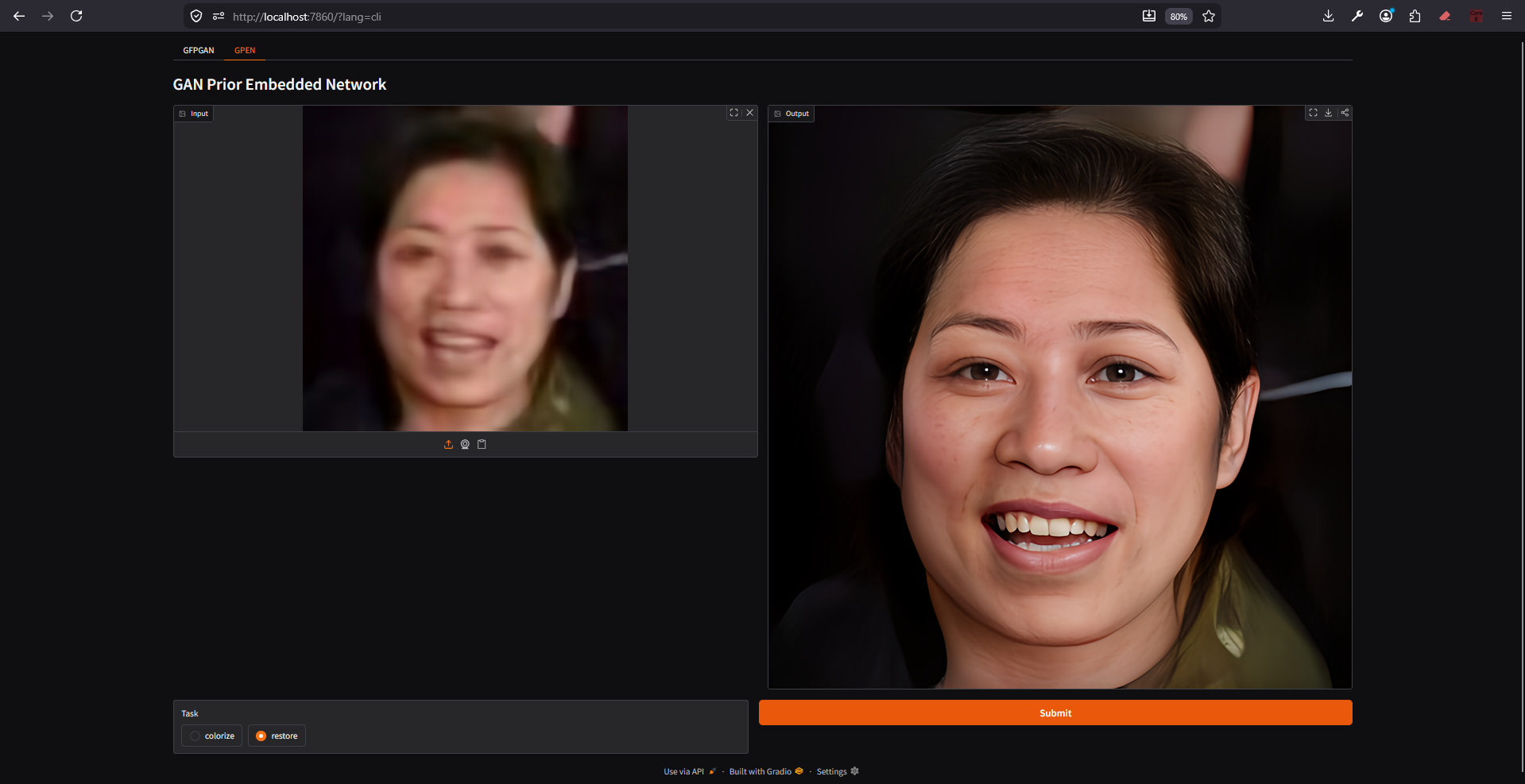
🌸 Screenshot